TL;DR — This article covers how a new OpenCRM feature comes to life, through our Ideas Board, customer and staff suggestions, and direct chats with our OpenCRM users.
We update OpenCRM with new features all the time, so you and your team will always have the best, most up-to-date tools we can offer. But where do these features actually come from, and how do they make it into your system? That’s exactly what this article is about.
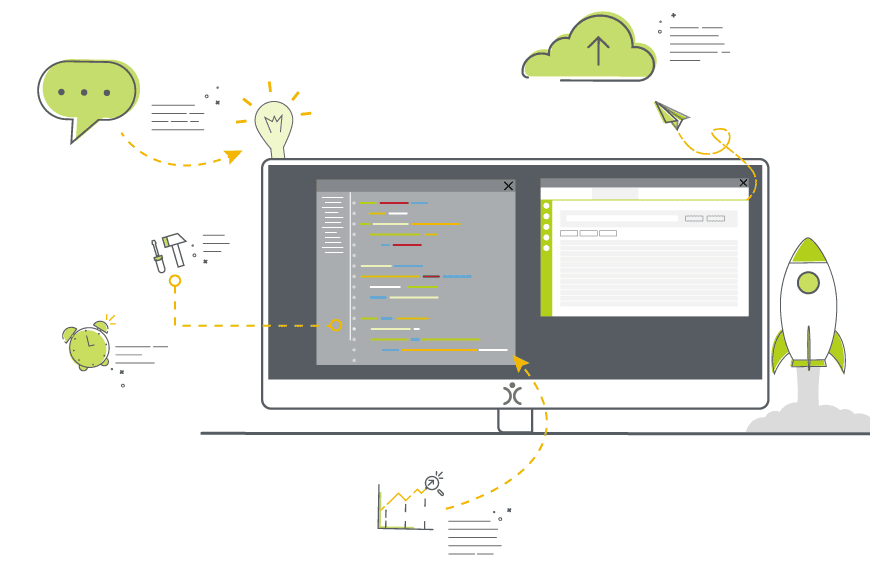
- New features come from two places: our strategic roadmap, or a suggestion from a customer or member of staff.
- Suggestions are voted on and reviewed via our public Ideas Board.
- Every idea goes through an informal board review before it’s added to the Roadmap.
- Development includes design, technical scoping, and full Quality Assurance before anything goes live.
- We don’t restrict which features you have access to based on user count — you get everything, right out of the box.
Ideas for New Features
New features are introduced into the main process in one of two ways: as part of our strategic plan and roadmap for the system, or as a suggestion from a customer or member of staff.
Strategic Roadmap
It’s a bit of an understatement to say we have a plan for OpenCRM — both as a system and as a business. Both Phil (our technical director) and I know what we want it to do and what it will take to get there — from general functionality to integrations. Quite often we’ll develop a new feature as part of this roadmap and then spend several years expanding on it. This is especially true of our integrations.
Idea Suggestion
Although I have a picture in my head of what OpenCRM will look like in the future, I know I’m not the only one using it — and certainly not the only one with ideas about how it could be improved. Many of our best features started life because a customer or member of staff made an observation or suggestion.
Recognising this, we added an Ideas Board to our website, where people can go to suggest new features and vote on other people’s ideas.
Reviewing and Deliberation
Any feature suggested by someone other than Phil or me must be reviewed to ensure it aligns with the system’s overall strategic plan. This review takes place during board meetings, but it’s quite informal.
We look at the idea, assess how much interest it has had, and then discuss how long we think it will take to develop and whether it’s right for us. If the answer is positive on both questions, it gets added to our Roadmap — the development time and popularity of a suggestion helps decide how soon we can start working on it.
The Development Process
Once a feature makes it onto the Roadmap, its next stop is with one of our development teams. They’ll work with Phil to fully flesh out the idea, including:
- Figuring out how it’s going to work
- What settings it will need
- How it will impact other areas of the system
- Whether there are any security or permissions questions around it
- A whole host of other technical questions
And then the work begins — time for code, code, code.
Quality Assurance
The final stage in the development process is Quality Assurance (QA). At the highest level, it involves testing that the new feature does what it’s intended to do. In reality, it also involves ensuring the language is clear and understandable, the appearance is consistent, and all necessary guidance documents are in place before it goes live — as well as checking that other areas of the system aren’t being affected unexpectedly.
Releasing into the Wild
Once the new feature is written, tested, and documented, it’s time to release it to our users. And this is my favourite part.
We get to write articles and social posts about it, and I get to talk to customers and prospects about it, showing off all the hard work of the team. In cases where specific people have expressed interest in a feature, I get to let them know it’s ready to use in their system. Some of these features really will make a huge difference to their business processes, so it really is the fun bit.
Then the process starts over — extending and building on a system that I’m so proud of, and that I’ve seen grow from day one.
So if you’ve got any ideas, I’d love to hear them. Or if you’d like to dive straight into an OpenCRM system and take a look around, get in touch for a free trial.

Got a feature idea of your own?
Suggest it and vote on others’ ideas on our Ideas Board — or take OpenCRM for a test ride.
Start your free trial